

Order Management (Vendors) · 1 min read
Processing and fulfilling orders
Last updated Jul 16, 2026
For: VendorDifficulty: Easy⏱ 3 min
Step by step
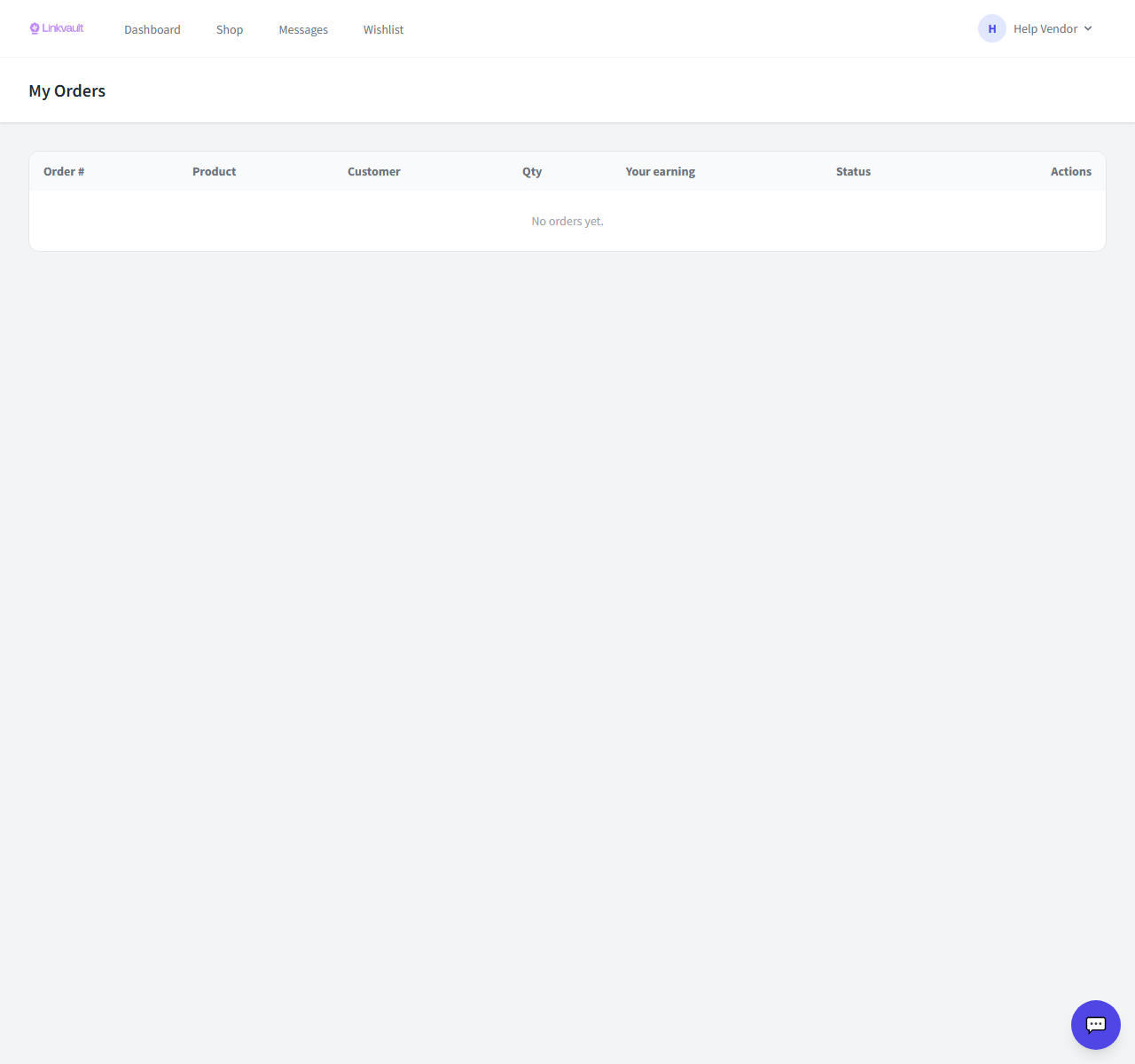
- Open Vendor → Orders to see incoming orders.
- Open an order to view items, the buyer’s address, and payment status.
- Prepare the items, then update the status to Shipped and add a tracking number if you have one.
- The buyer confirms delivery (or it auto-confirms), which completes the order.
Frequently asked questions
When do I get paid?
Earnings release after the order is confirmed delivered, subject to your payout schedule.
Was this article helpful?