

Shopping · 1 min read
How to search for products
Last updated Jul 16, 2026
For: CustomerDifficulty: Easy⏱ 2 min
Step by step
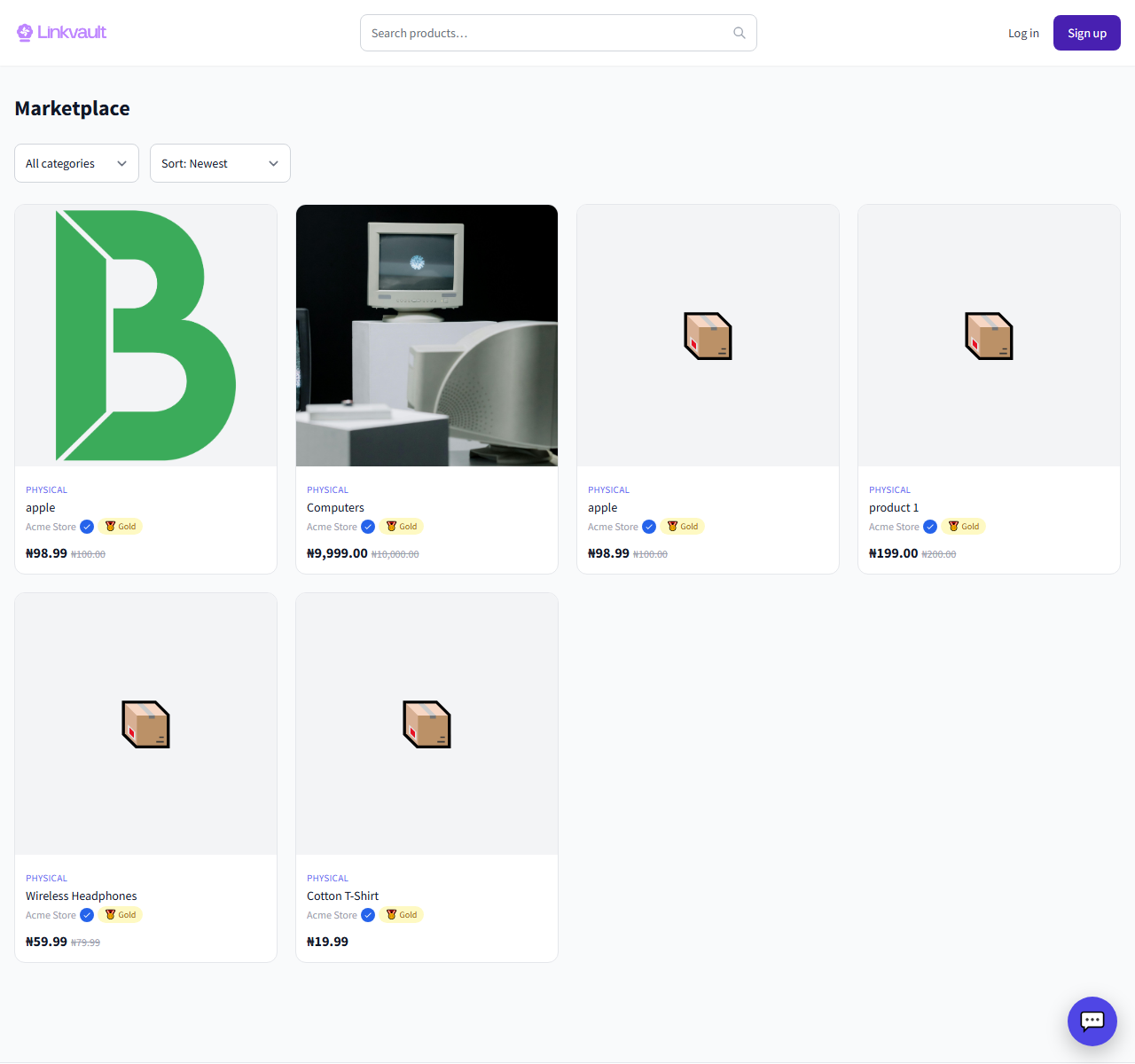
- Use the search box in the top bar and type what you are looking for.
- Pick a suggestion, or press enter to see all matching products.
- Refine the results with the category and sort options.
Frequently asked questions
Why don’t I see digital products?
The marketplace currently lists physical products only. Digital and service listings are temporarily unavailable.
Was this article helpful?