

Shopping · 1 min read
How to add a product to your cart
Last updated Jul 16, 2026
For: CustomerDifficulty: Easy⏱ 2 min
Step by step
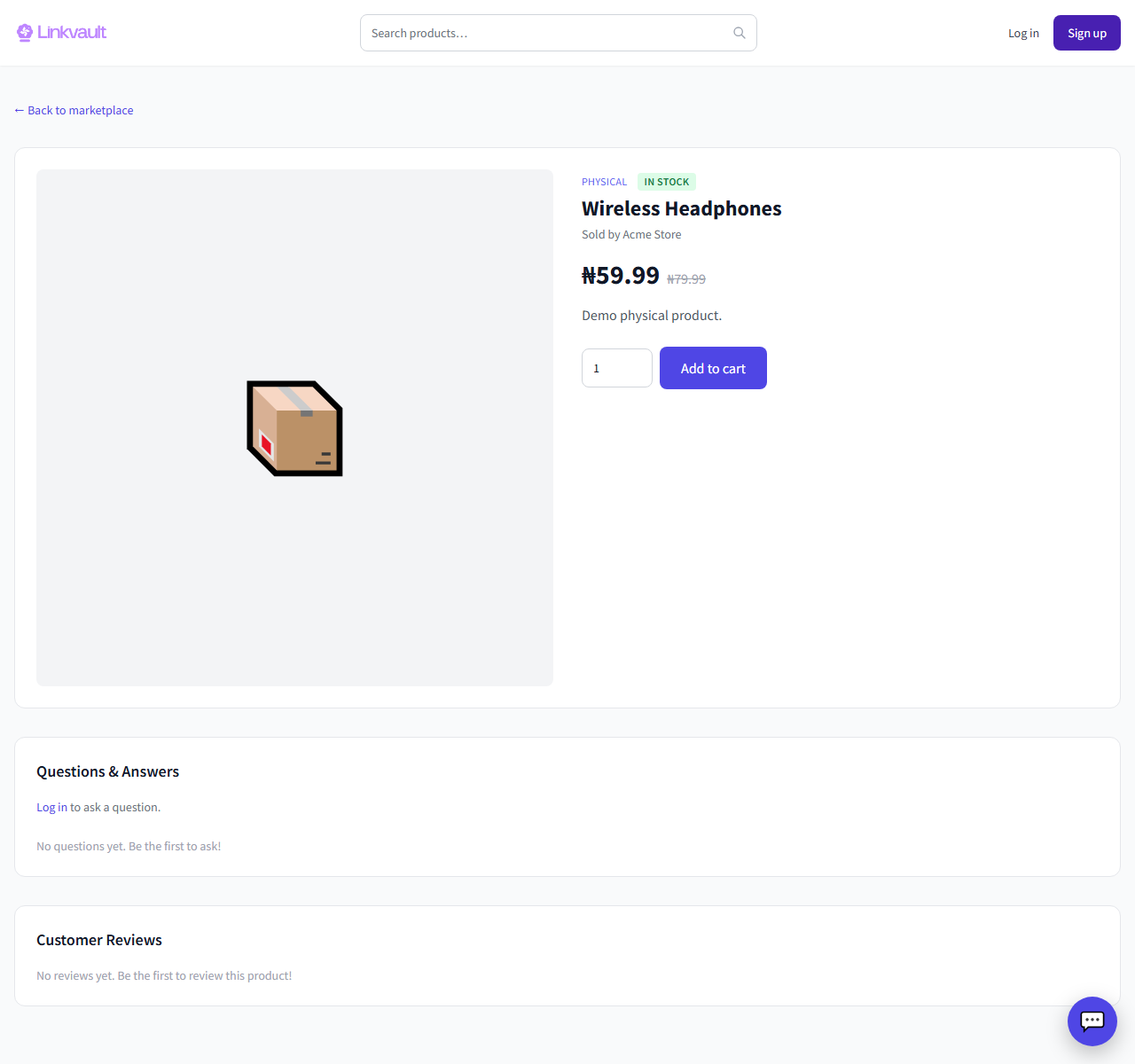
- Open a product to see its photos, price, and details.
- If the product has variations (size, colour), pick the one you want.
- Set the quantity, then click Add to cart.
- Open your cart to review items and continue to checkout.
Frequently asked questions
The button says out of stock.
That variation or product is unavailable right now. Try another option or check back later.
Can I buy from several stores at once?
Yes. Your cart can hold items from different vendors and splits them per store at checkout.
Was this article helpful?