

Account & Login · 1 min read
How to reset a forgotten password
Last updated Jul 16, 2026
For: Customer & VendorDifficulty: Easy⏱ 2 min
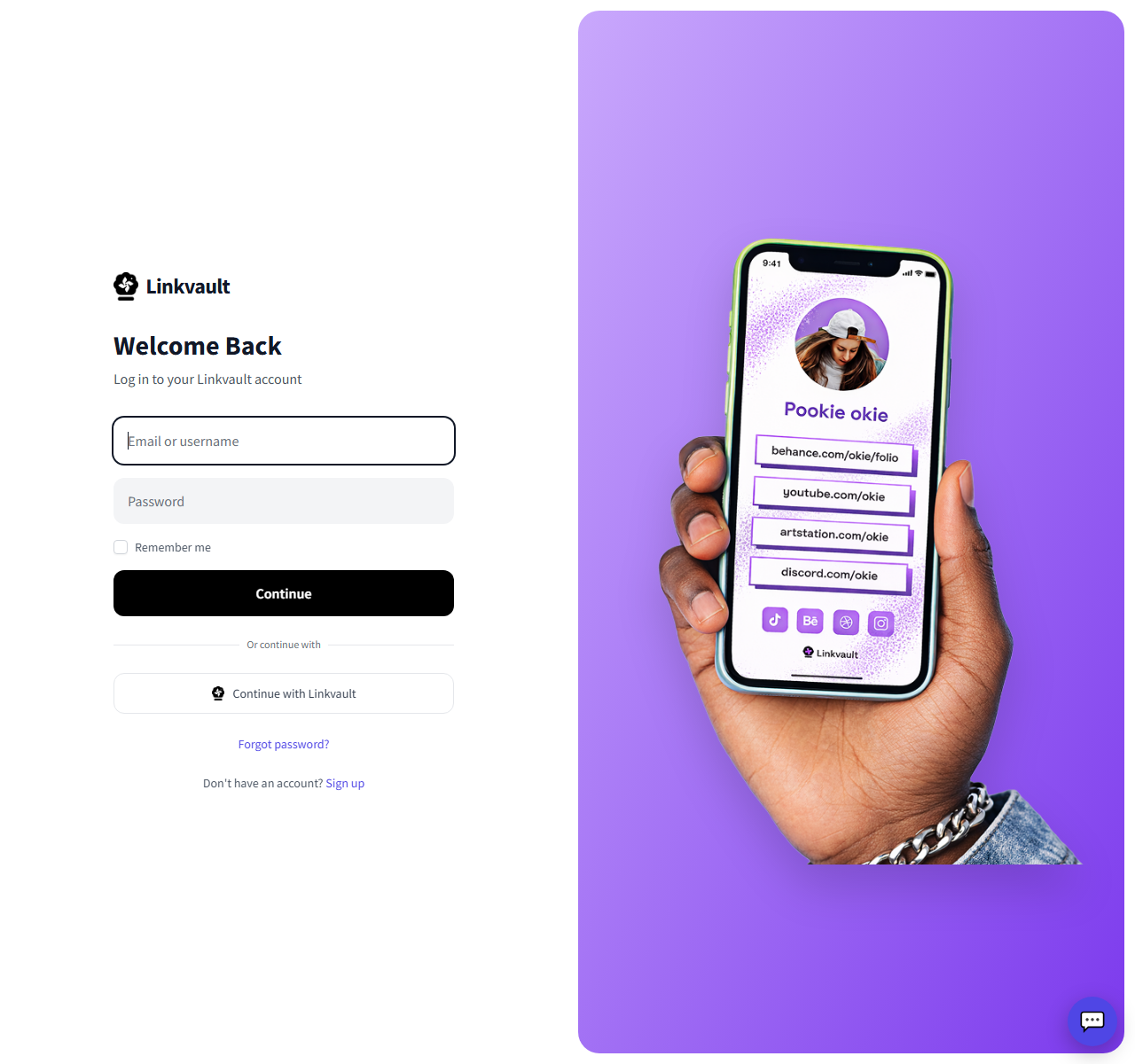
Step by step
- On the login page, click Forgot password?.
- Enter your account email and submit.
- Open the reset email and click the link (check spam if needed).
- Choose a new password and sign in with it.
Frequently asked questions
I never received the email.
Confirm you used your registered address and check spam. Links expire, so always use the most recent one.
I lost my 2FA device too.
Use a saved backup code, or contact support from your registered email to verify your identity.
Was this article helpful?