

Account & Login · 1 min read
How to change your password
Last updated Jul 16, 2026
For: Customer & VendorDifficulty: Easy⏱ 2 min
Step by step
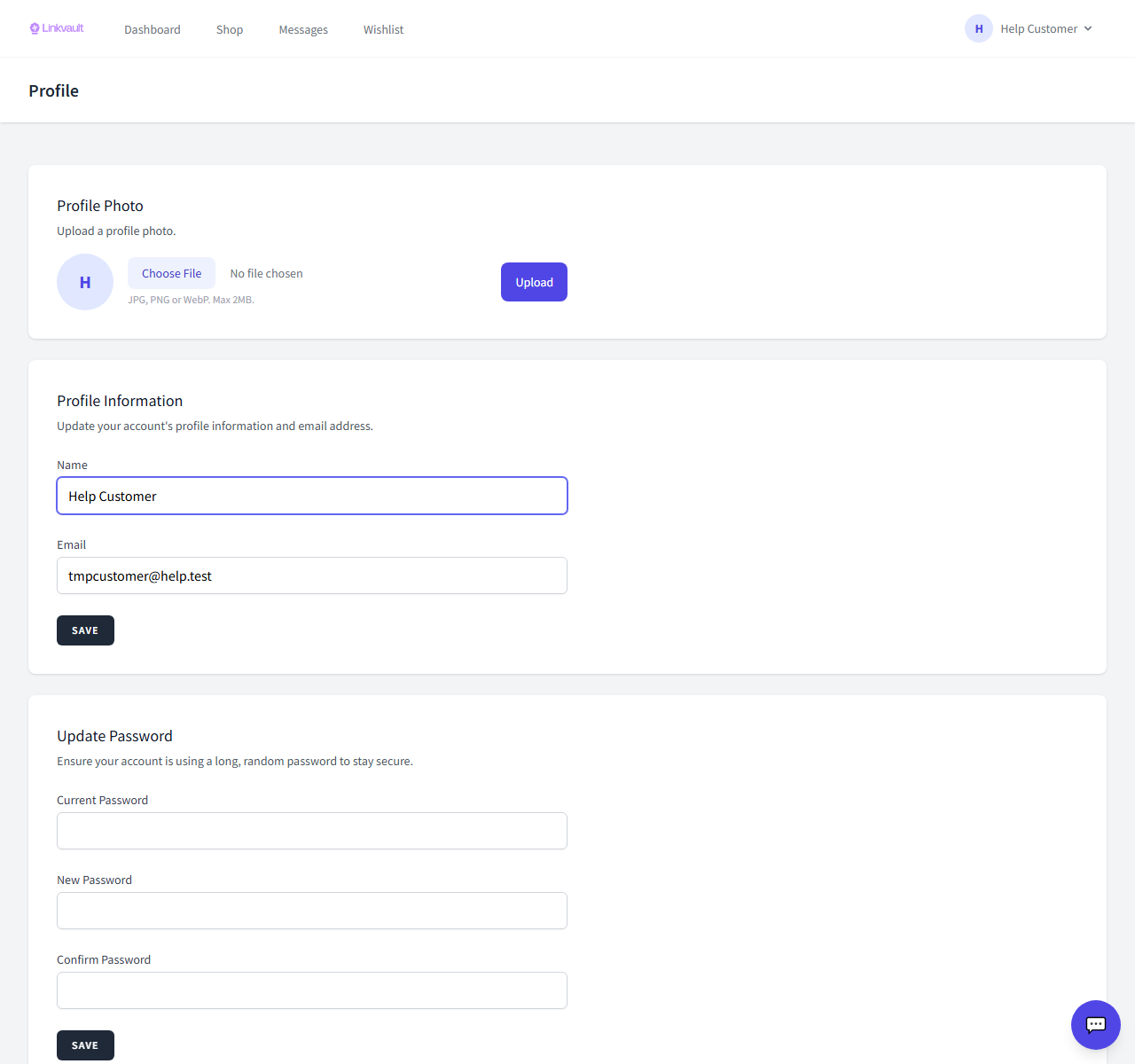
- Go to Profile while signed in.
- Find the Update password section.
- Enter your current password, then your new password twice.
- Save — you stay signed in on this device.
Tips
- Use a long, unique password and store it in a password manager.
Was this article helpful?