

Managing Products · 1 min read
How to edit a product
Last updated Jul 16, 2026
For: VendorDifficulty: Easy⏱ 2 min
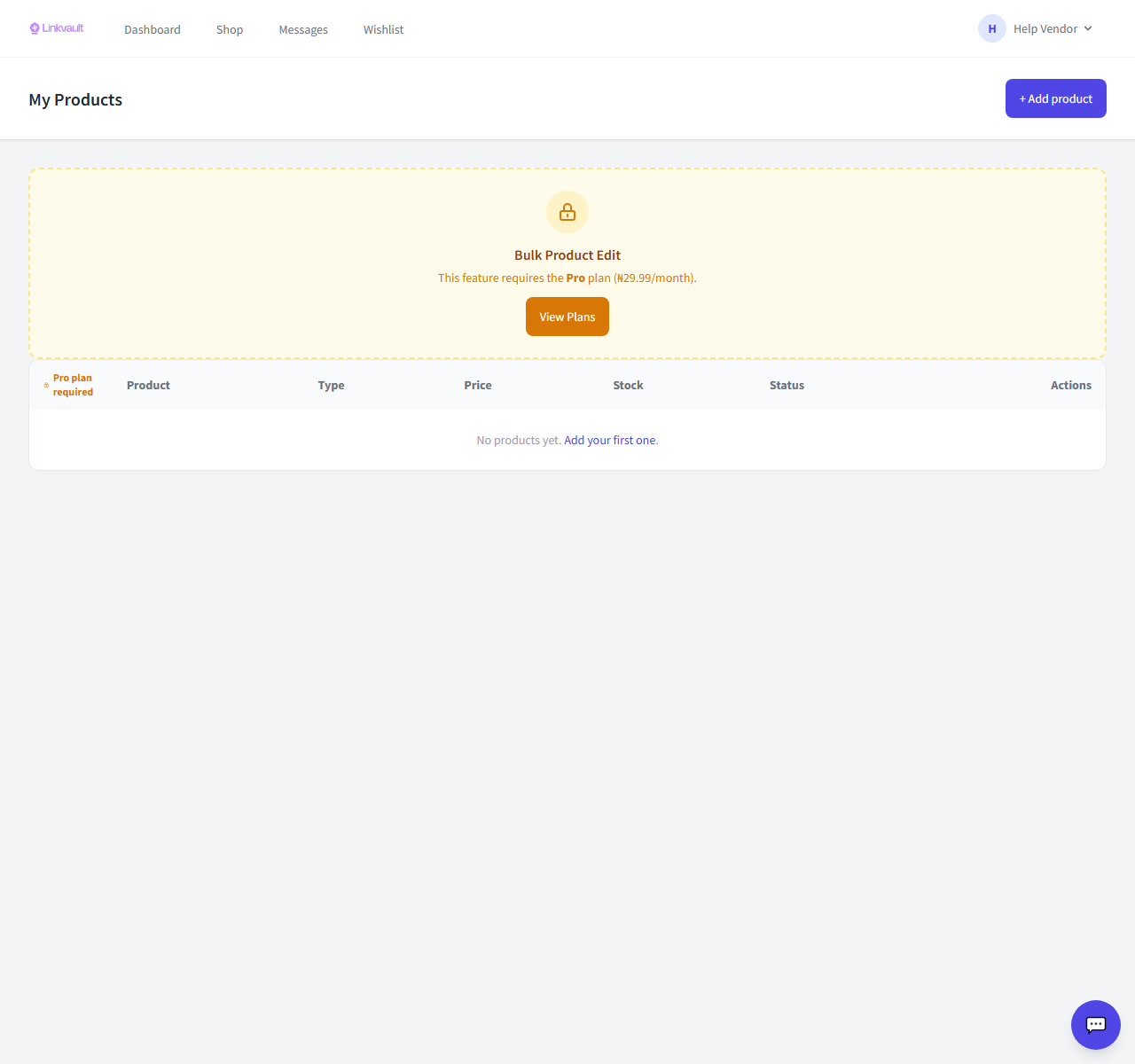
Step by step
- Open Vendor → Products.
- Click Edit on the product you want to change.
- Update any fields — price, stock, images, description — and save.
Was this article helpful?