

Managing Products · 1 min read
How to delete products (and bulk actions)
Last updated Jul 16, 2026
For: VendorDifficulty: Easy⏱ 2 min
Step by step
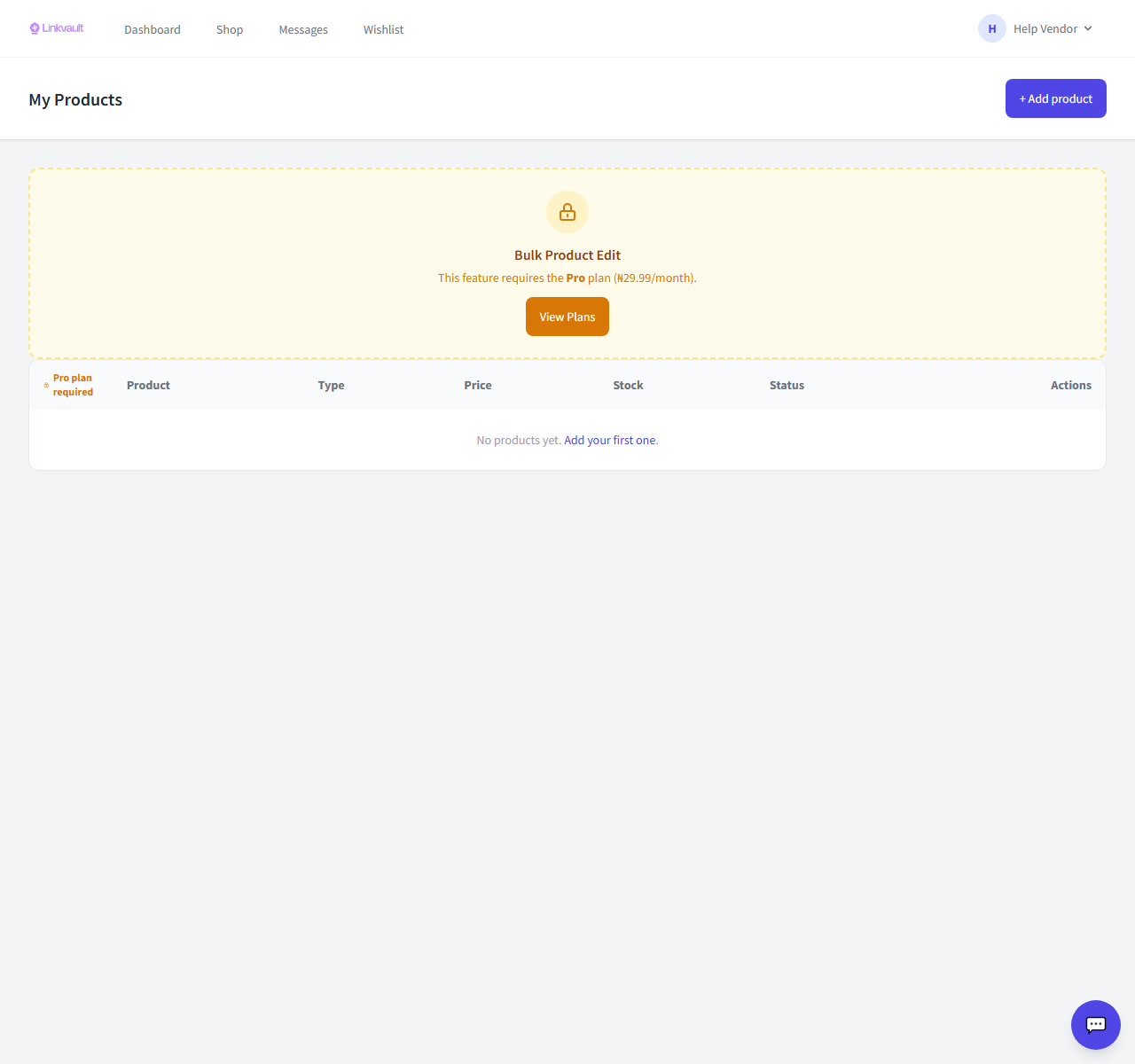
- Open Vendor → Products.
- To remove one, use Delete on that product.
- To act on several, tick them and use the bulk action to publish, draft, or delete.
Was this article helpful?