

Selling & Store Setup · 1 min read
How vendor verification (KYC) works
Last updated Jul 16, 2026
For: VendorDifficulty: Medium⏱ 3 min
KYC (Know Your Customer) verifies who you are and where to pay you. You must complete it before withdrawing earnings.
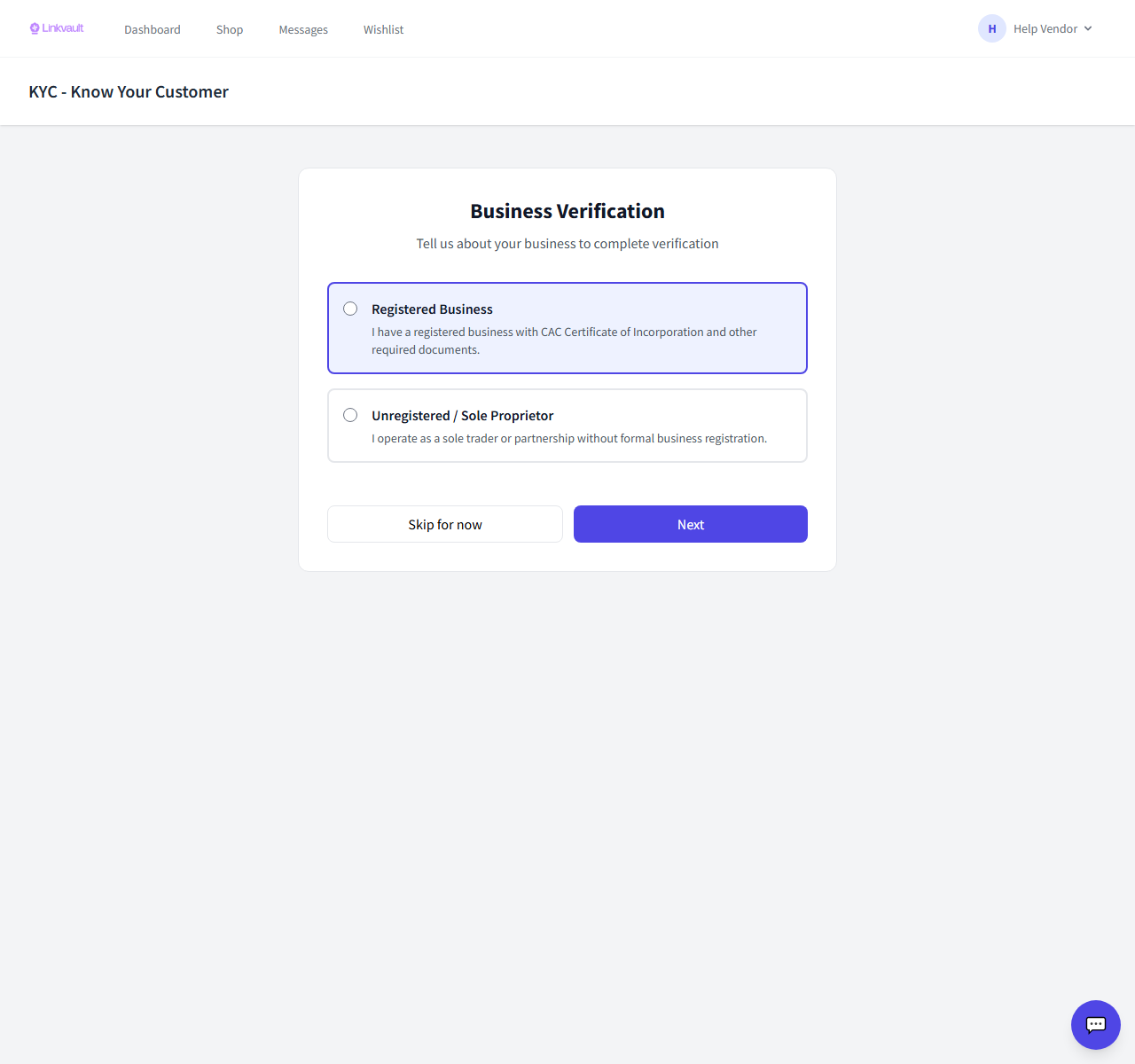
Step by step
- Open Vendor → KYC and choose whether you’re a registered business or an individual.
- Fill in your business/contact profile and address.
- Add your bank account details for payouts.
- Upload any requested documents, agree to the terms, and submit for review.
Frequently asked questions
How long does review take?
Most submissions are reviewed within a business day. You’ll be notified of the result.
Why do you need my bank details?
So your sales earnings can be paid out to you securely.
Was this article helpful?