

Getting Started · 1 min read
How to update your profile and photo
Last updated Jul 16, 2026
For: Customer & VendorDifficulty: Easy⏱ 2 min
Your profile controls how your name appears on reviews, messages, and orders.
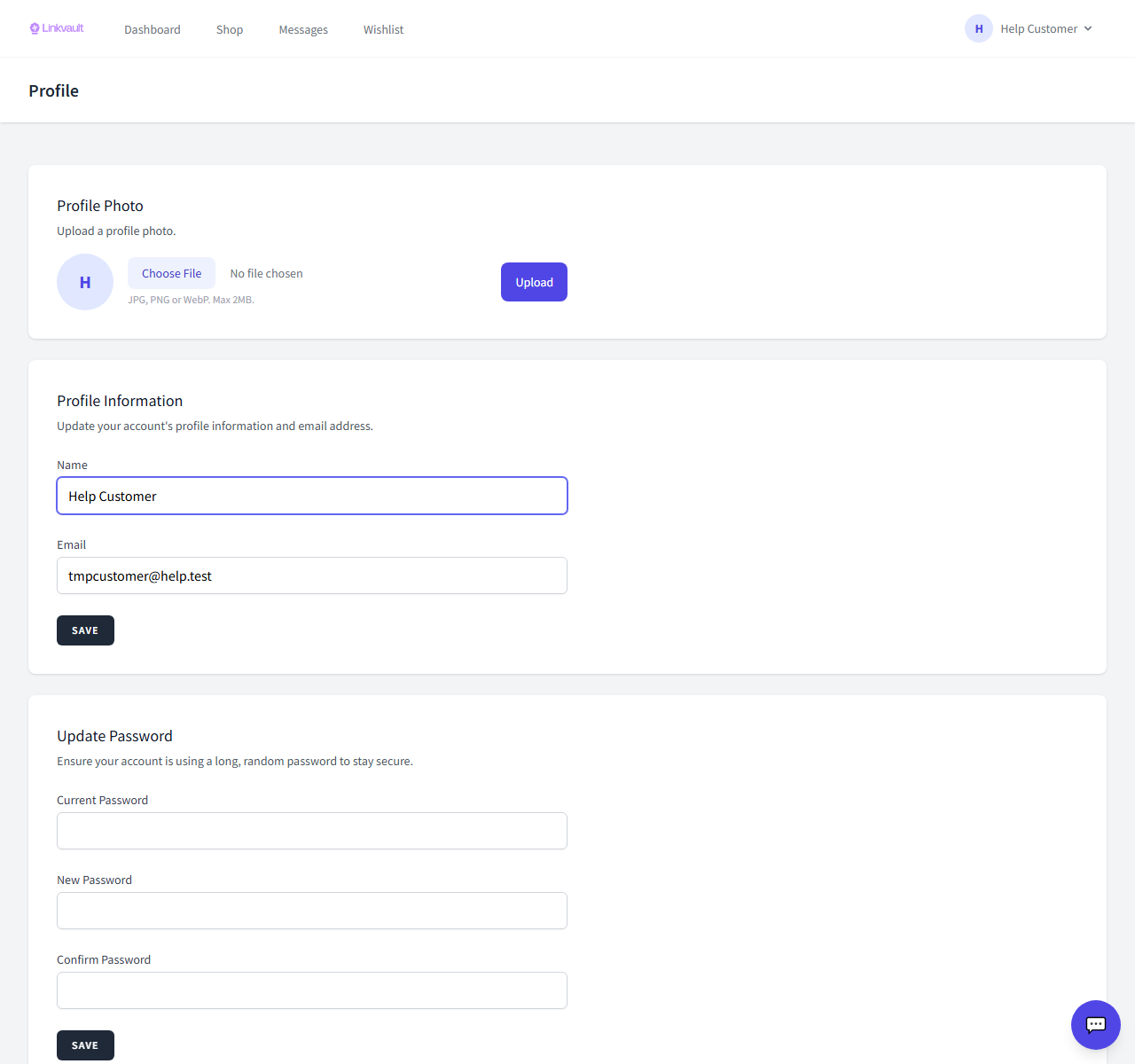
Step by step
- Open Profile from the account menu.
- Update your name or email in the profile information section and save.
- To change your photo, use Upload a new avatar and pick a square image for best results.
Frequently asked questions
I changed my email — do I need to verify again?
Yes, changing your email may require re-verifying the new address.
Was this article helpful?