

Orders · 1 min read
How to place an order (checkout)
Last updated Jul 16, 2026
For: CustomerDifficulty: Easy⏱ 3 min
Step by step
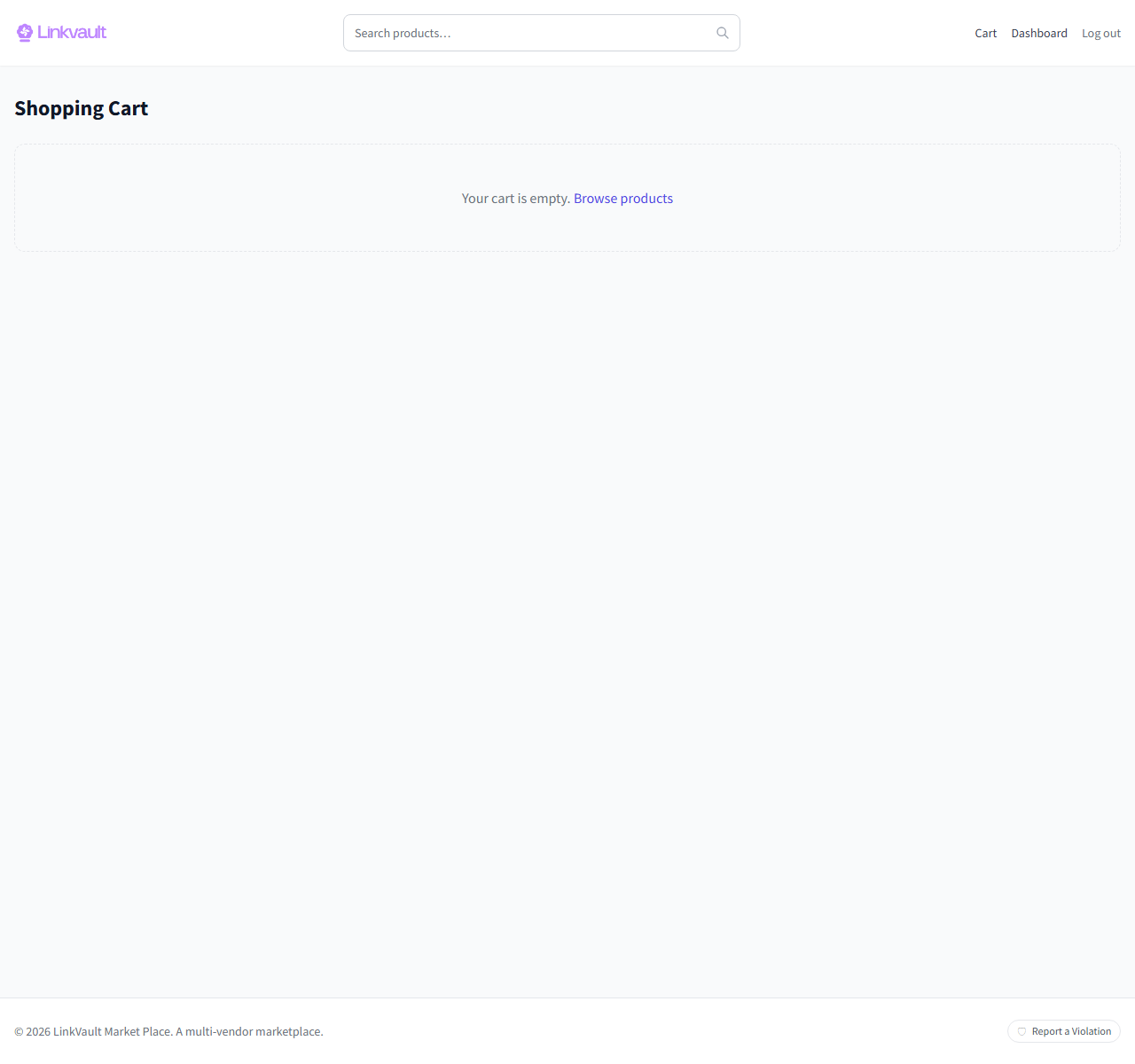
- Open your Cart and confirm the items and quantities.
- Click Checkout.
- Enter your shipping address so delivery and shipping costs can be calculated.
- Apply a coupon if you have one, then review the order total.
- Choose a payment method and complete payment to place the order.
Frequently asked questions
Can I check out as a guest?
Yes. You can order without an account, though an account makes tracking and refunds easier.
Why did shipping change?
Shipping is calculated from your address and each vendor’s rates, so it updates once you enter where it’s going.
Was this article helpful?