

Payouts & Earnings · 1 min read
How to request a withdrawal
Last updated Jul 16, 2026
For: VendorDifficulty: Medium⏱ 3 min
Withdrawals send your available earnings to the bank account from your KYC. For security, withdrawals are confirmed with 2FA or a one-time code.
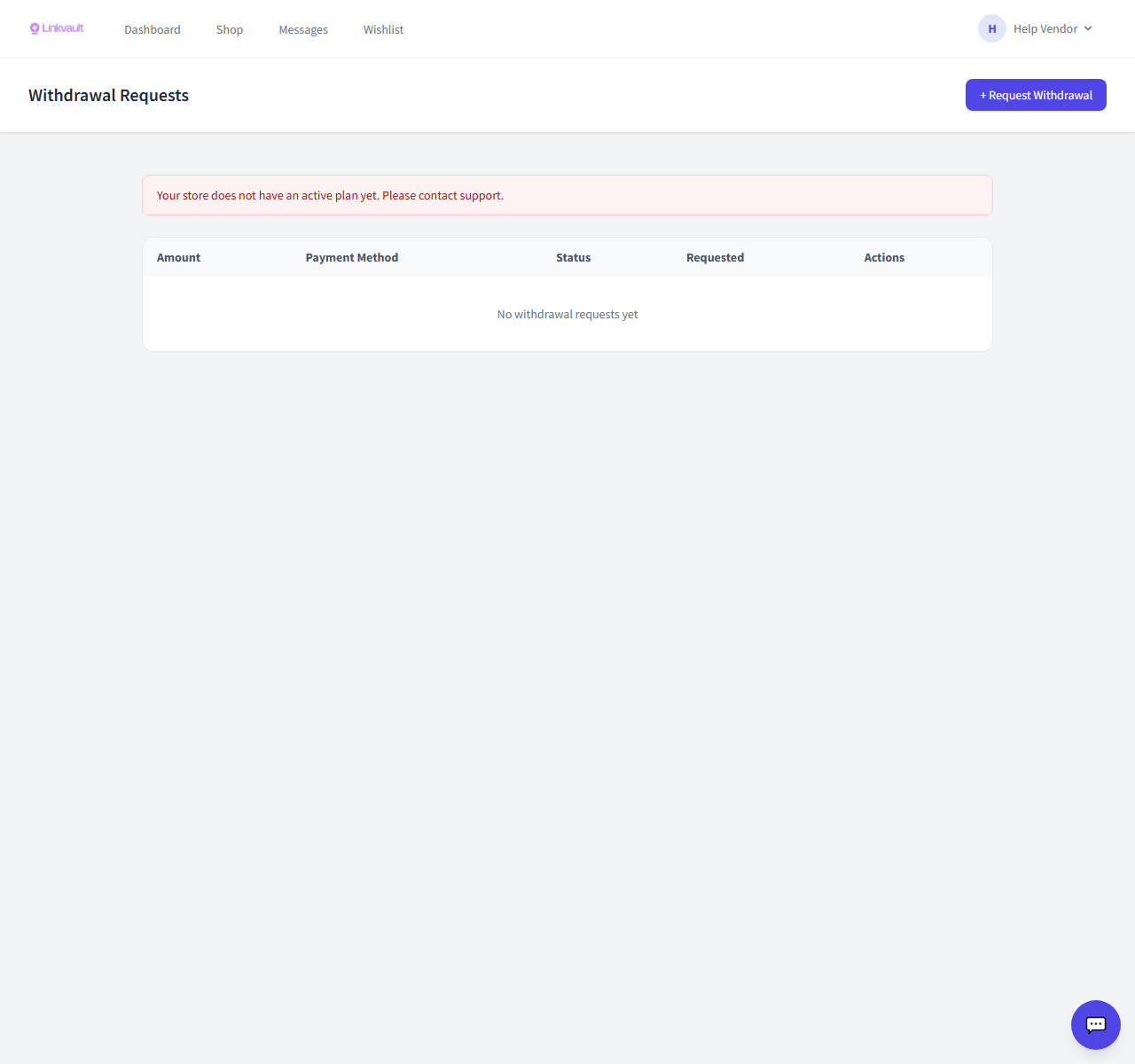
Step by step
- Make sure KYC is approved and your bank details are on file.
- Open Vendor → Withdrawals and choose Request withdrawal.
- Enter the amount (up to your available balance) and submit.
- Confirm with your 2FA code or the one-time code we send.
- Track the request’s status until it’s paid out.
Frequently asked questions
Why can’t I withdraw yet?
You need approved KYC, a saved bank account, and available (not pending) balance above the minimum.
How long do payouts take?
After approval, payout timing follows your bank and the platform’s settlement schedule.
Was this article helpful?