

Shipping · 1 min read
Creating shipping profiles and zones
Last updated Jul 16, 2026
For: VendorDifficulty: Medium⏱ 3 min
Profiles group your shipping rules; zones define where they apply (e.g. specific states, countries, or the rest of the world).
Step by step
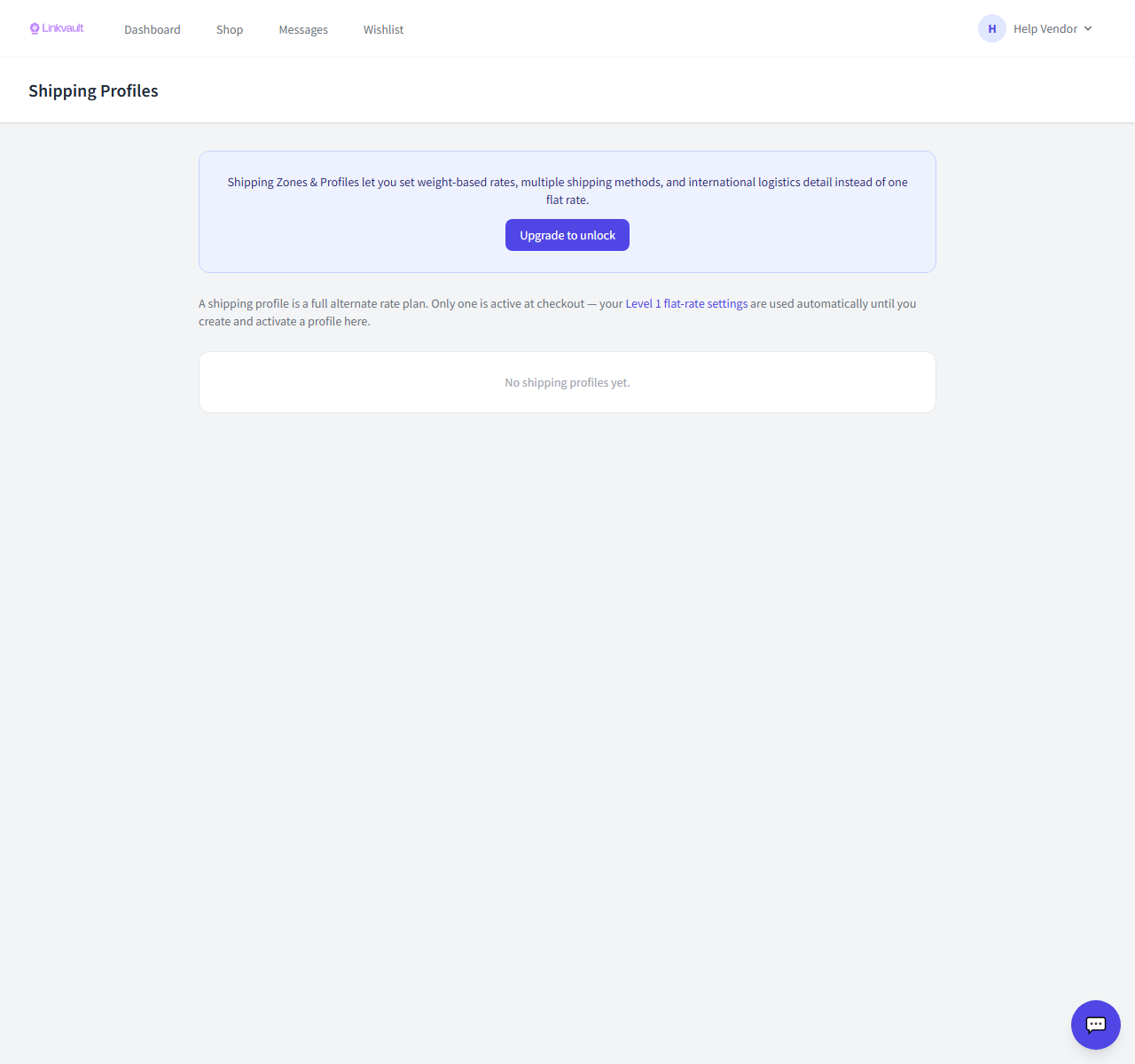
- Open Vendor → Shipping → Profiles and create a profile.
- Add zones — for example Nigerian states, specific countries, or rest of world.
- Add one or more shipping methods to each zone with their rates.
- Set a default profile and save.
Frequently asked questions
What’s the difference between a profile and a zone?
A profile is a reusable set of rules; a zone is a destination inside that profile with its own methods and rates.
Was this article helpful?